One-Time-Use Card Feature in the Oney+ App
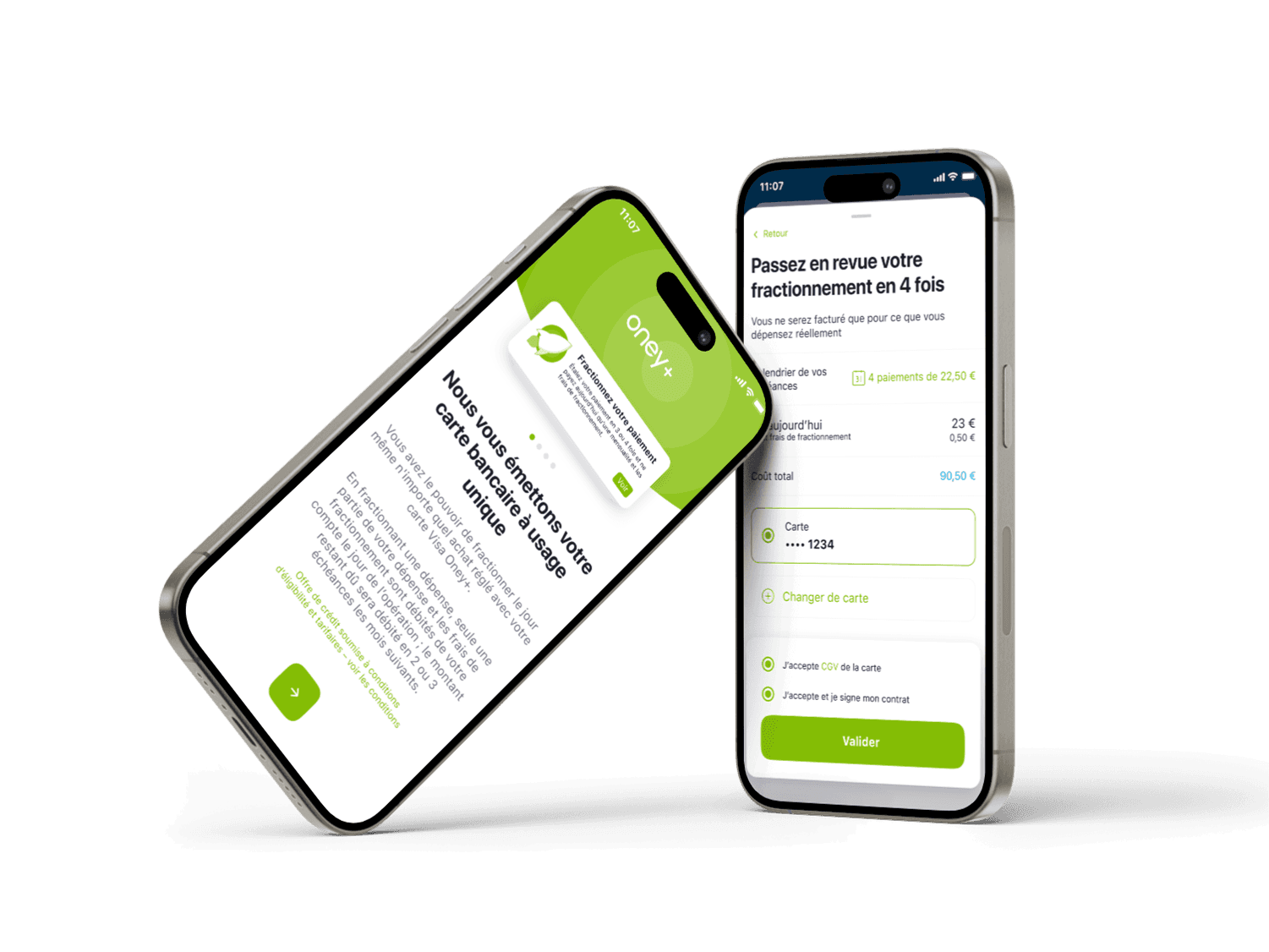
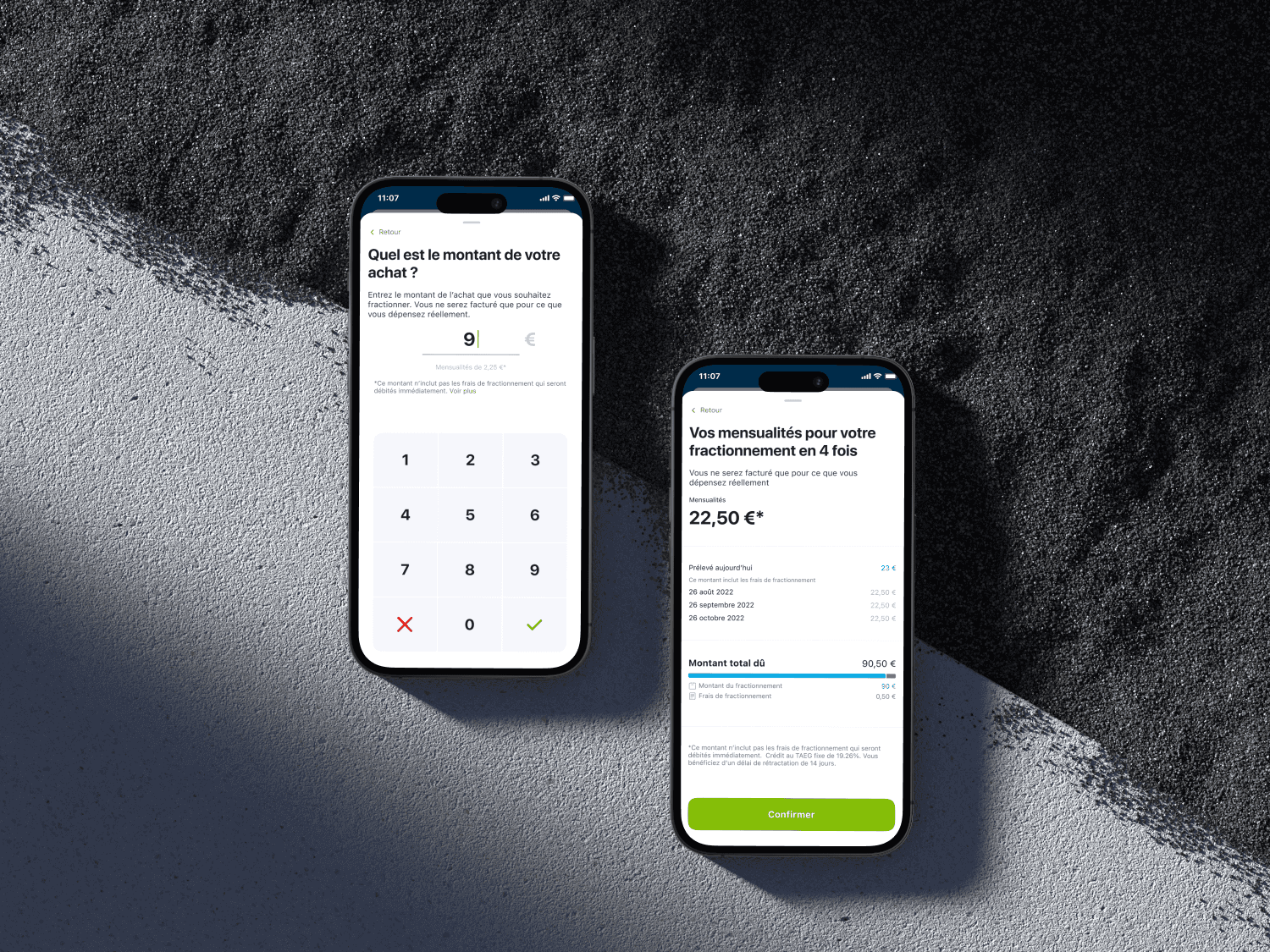
1. Context Industry: Fintech – Consumer credit Product: Oney+ Mobile App (iOS / Android) Target: B2C – Existing Oney+ app users User base: ~10,000 monthly active users Timeline: Project delivered in 2022 Objective: Integrate a one-time-use virtual card feature into the Oney+ app to enhance security during online purchases, particularly for installment-based payments. The feature aimed to compete with market standards such as Klarna and Revolut. This project was part of a broader strategy to expand digital services and improve customer loyalty through innovative and differentiating tools. 2. Team & Organization Structure: Dedicated feature team Team members: 2 Product Owners, 1 Product Manager, 1 squad (~8 developers), 2 QA engineers, myself as Lead Product Designer My role: Full UX/UI design ownership for the feature Built the complete user journey Integrated the feature into the Oney+ design system Worked closely with devs to ensure feasibility (dynamic display, visual security) Led and facilitated user testing phases with Wexperience 3. Goals & Design Challenges Product goals: Launch a secure digital payment card that can be used only once Allow users to generate a temporary card directly from the app, for safer online payments Offer a fast, easy-to-use alternative to traditional physical cards UX/UI challenges: Explain an unusual concept: activation, limited visibility, single-use functionality Reassure users about security and reliability (Is this a real card? Is it safe?) Clarify the difference between the one-time card and other card types (physical, virtual, installment-linked) Maintain visual and UX consistency across the app while emphasizing this new feature 4. Methodology Key phases: UX Audit of existing card journeys (physical + virtual modules) Competitive Benchmarking: Klarna, Revolut, Lydia — temporary digital card models User journey mapping & wireframing: Co-designed with PO and devs UI UX design: Focused on ephemerality (temporary card state), timed actions, and visual trust signals User Testing with Wexperience: 2 half-day test sessions, 8 participants per session Goals: validate clarity, perceived trust, accessibility Design system: Integrated into Oney+ design language Created custom components (activation slider, dynamic card view, confirmation modals) Accessibility & data integration: RGAA v4.1 accessibility compliance (contrast checks, focus states, tap targets) Incorporated feedback from the Customer Care team to detect recurring pain points in card-related flows 5. Results & Impact Quantitative & qualitative outcomes (up to development phase): +25 points in user understanding between early and final prototypes, especially around time limits and feature purpose Strong perceived value on security and simplicity, with highly positive feedback in Wexperience sessions Zero UI bug tickets post-handoff thanks to solid documentation and design/dev alignment The feature was validated for development and pitched to the product committee as a high-potential differentiator Project freeze context: The deployment was suspended due to a global strategic shift. The Oney+ app was put on hold after the departure of its Director, and the Digital Factory was dissolved. The team was reassigned to Oney France, with a mission to infuse agile practices and accelerate an “app-first” approach within the group’s main banking application. Key takeaway: Although the feature was never launched, it clearly demonstrated the power of user-centered framing, systemic design thinking, and my ability to drive a product feature end-to-end through to industrialization.
Client
ONEY+
DELIVERABLES
UX Audit Competitive Benchmarking User journey mapping & wireframing UI UX design User Testing
Year
2022
Role
UI UX Designer